
We’ve rolled out exciting new updates to the Stack AI platform.
These include Gmail as Knowledge Base, Deep Research models, Prompt Library, JSON Schema Generator, and more.
What’s New:
Knowledge Bases
We’re improving the process of setting up new Knowledge Bases with Connections.
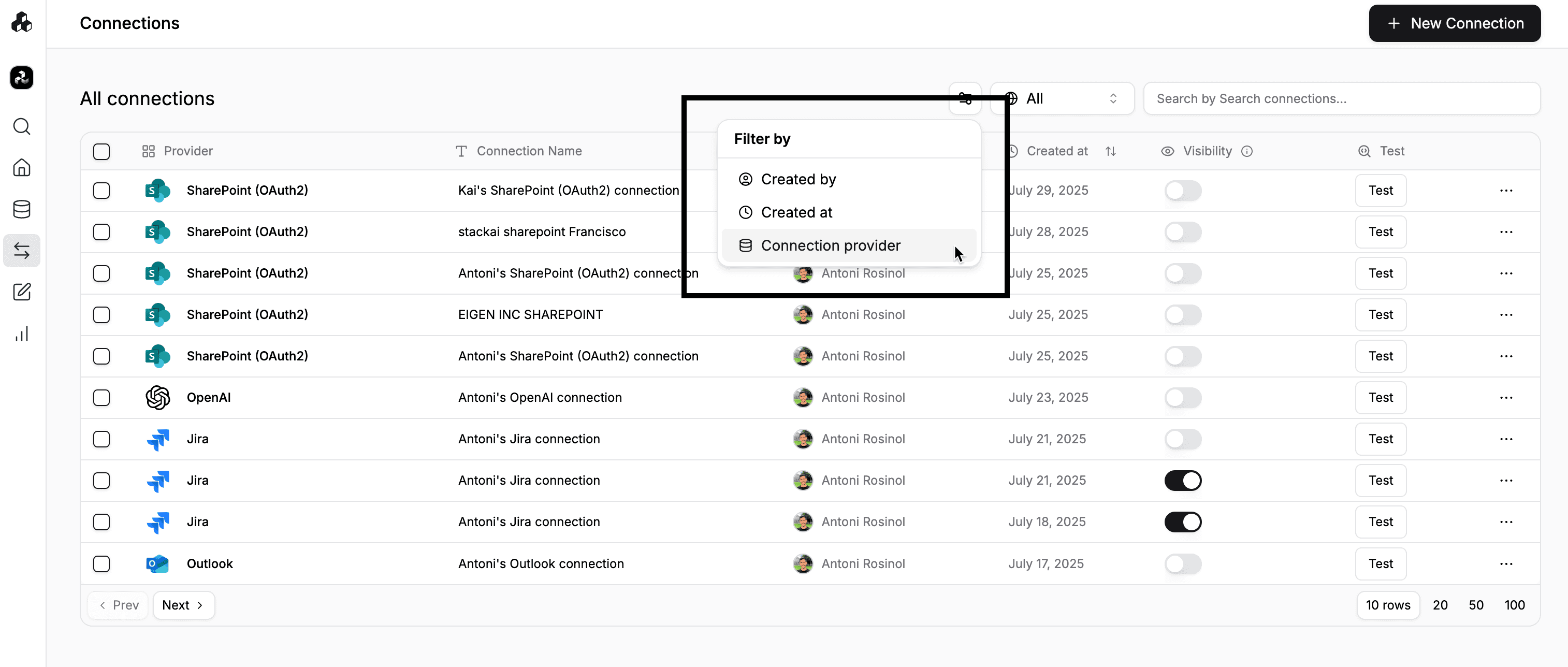
Filter & Select a Connection
First, we’ve added a feature to Filter Connections by fields like created by, created at, and connection provider
Select Files
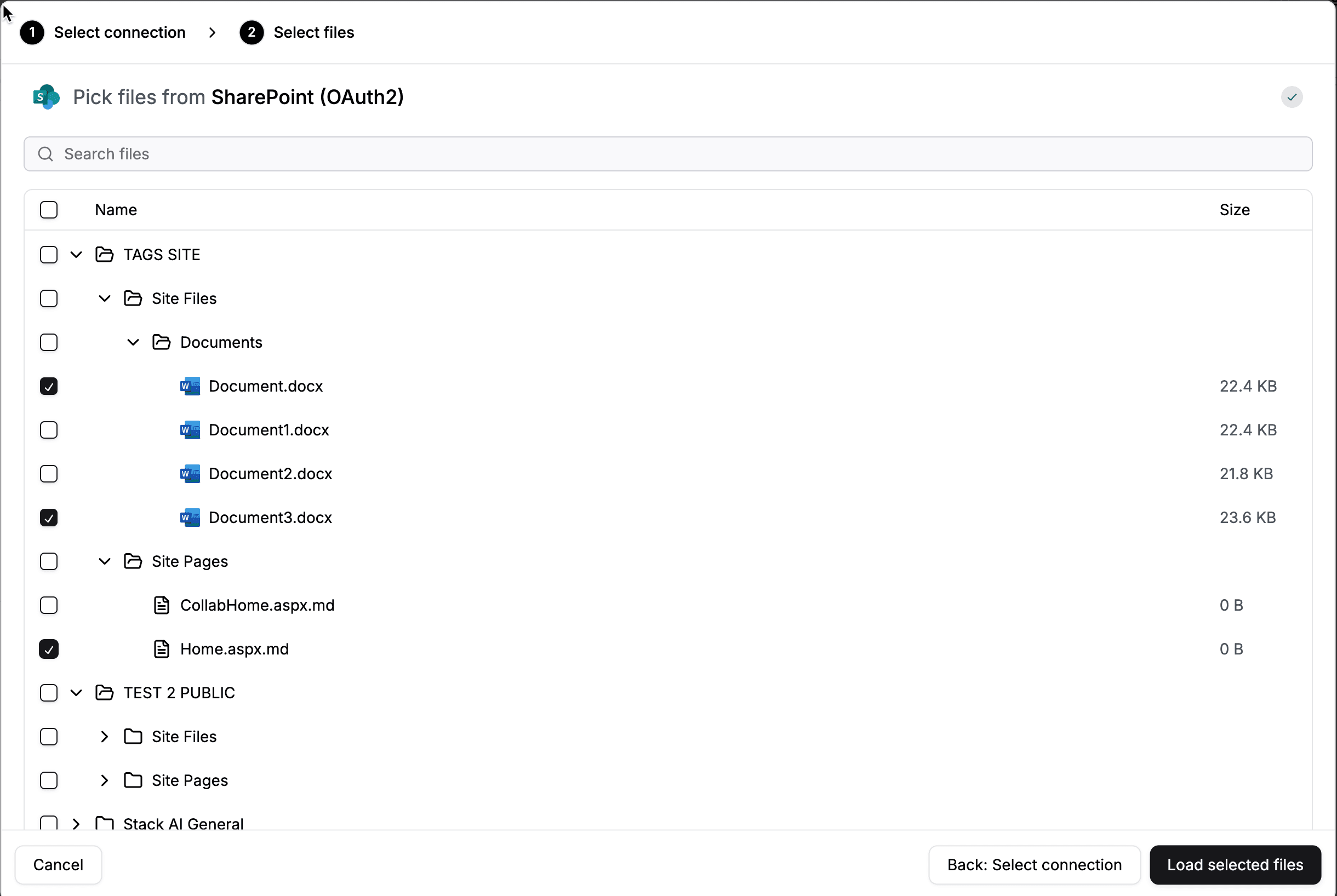
Once a connection has been chosen, you can select the files you’d like to sync with your Knowledge Base.
Instant Feedback
There's now instant feedback when syncing Knowledge Bases and Connections: we’re now displaying how many files are being indexed as well as their sync status.

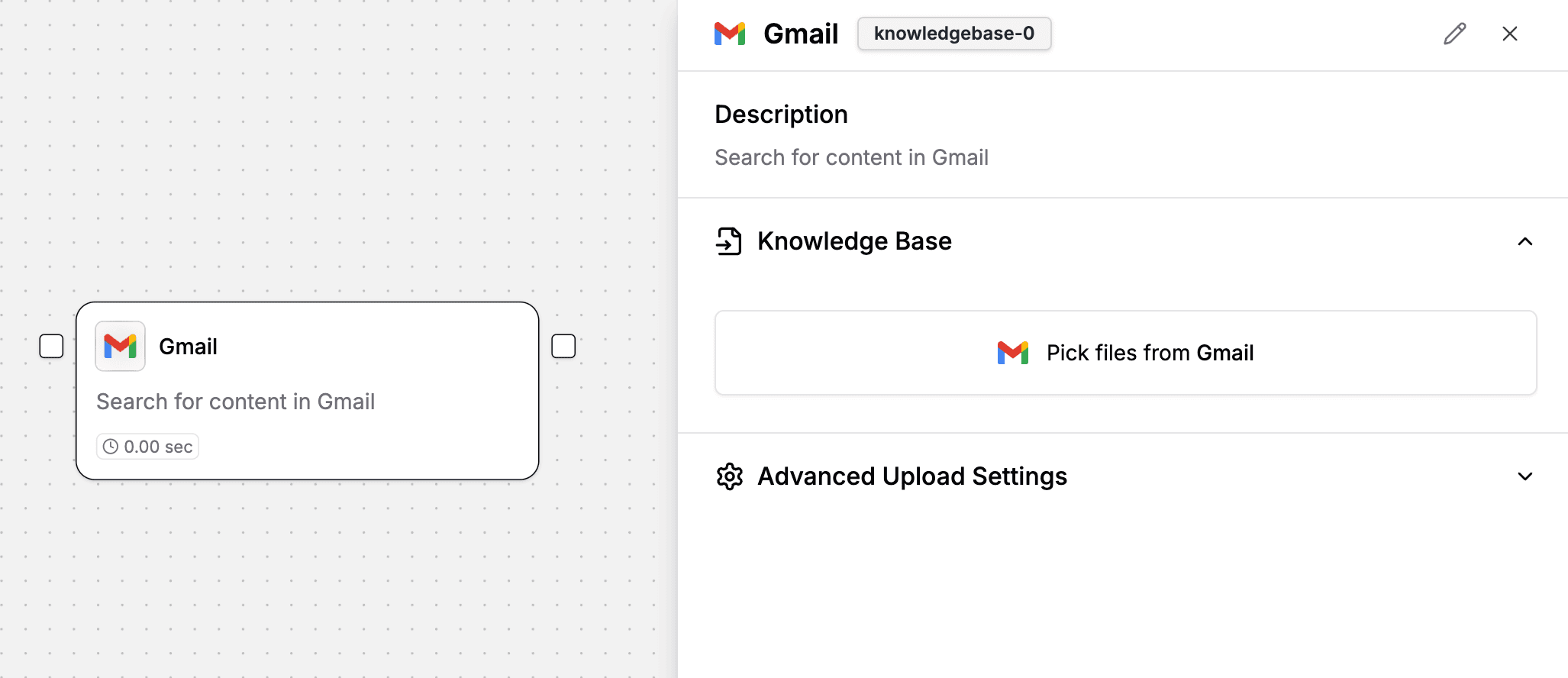
Gmail as a Knowledge Base
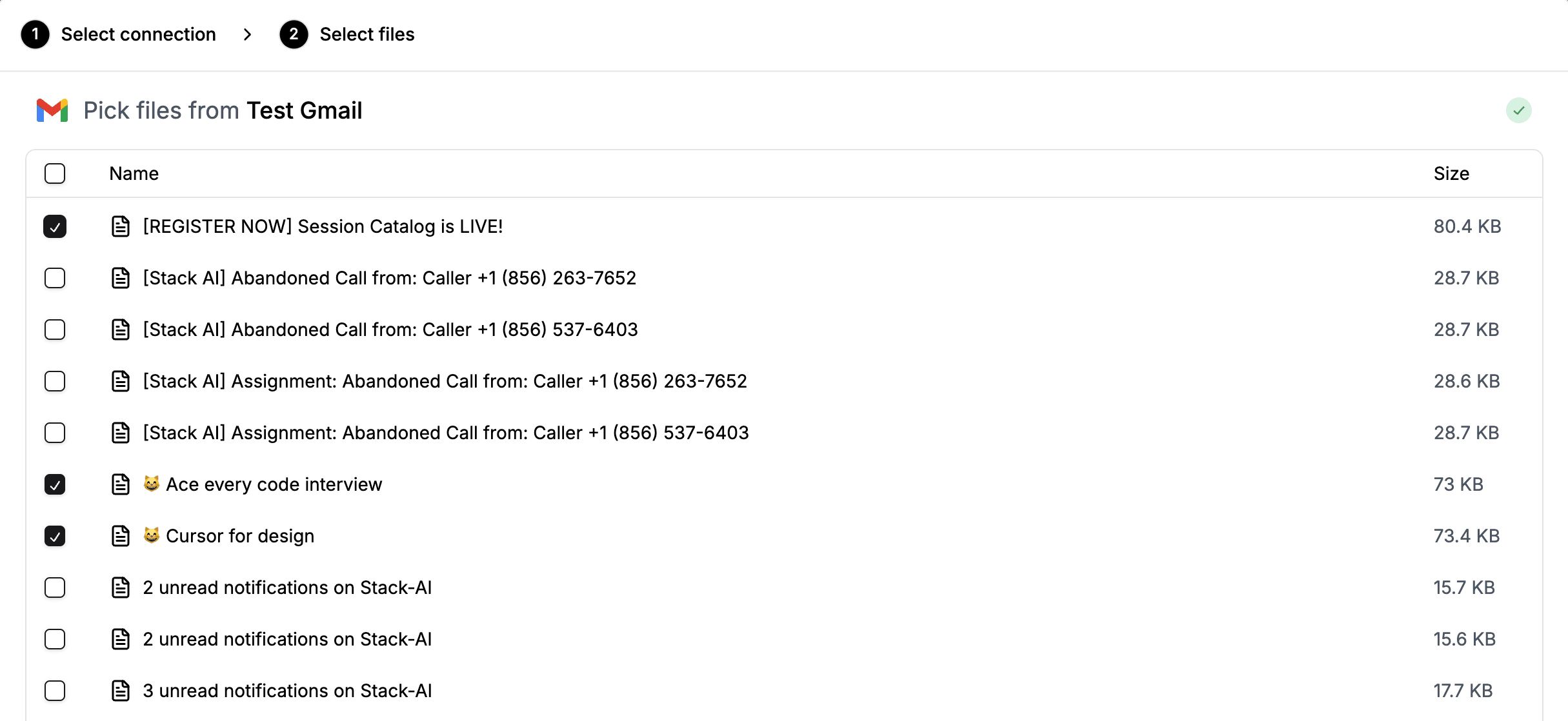
Connect your Gmail account as a Knowledge Base and select the files you’d like to include in your workflows.
LLMs
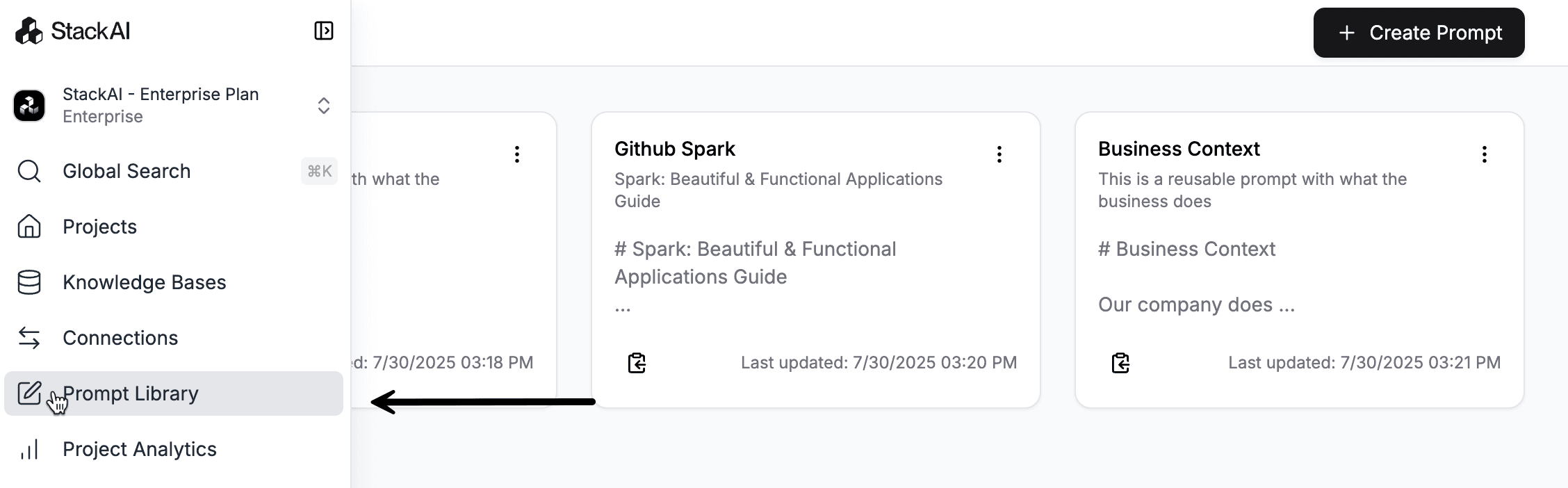
Prompt Library
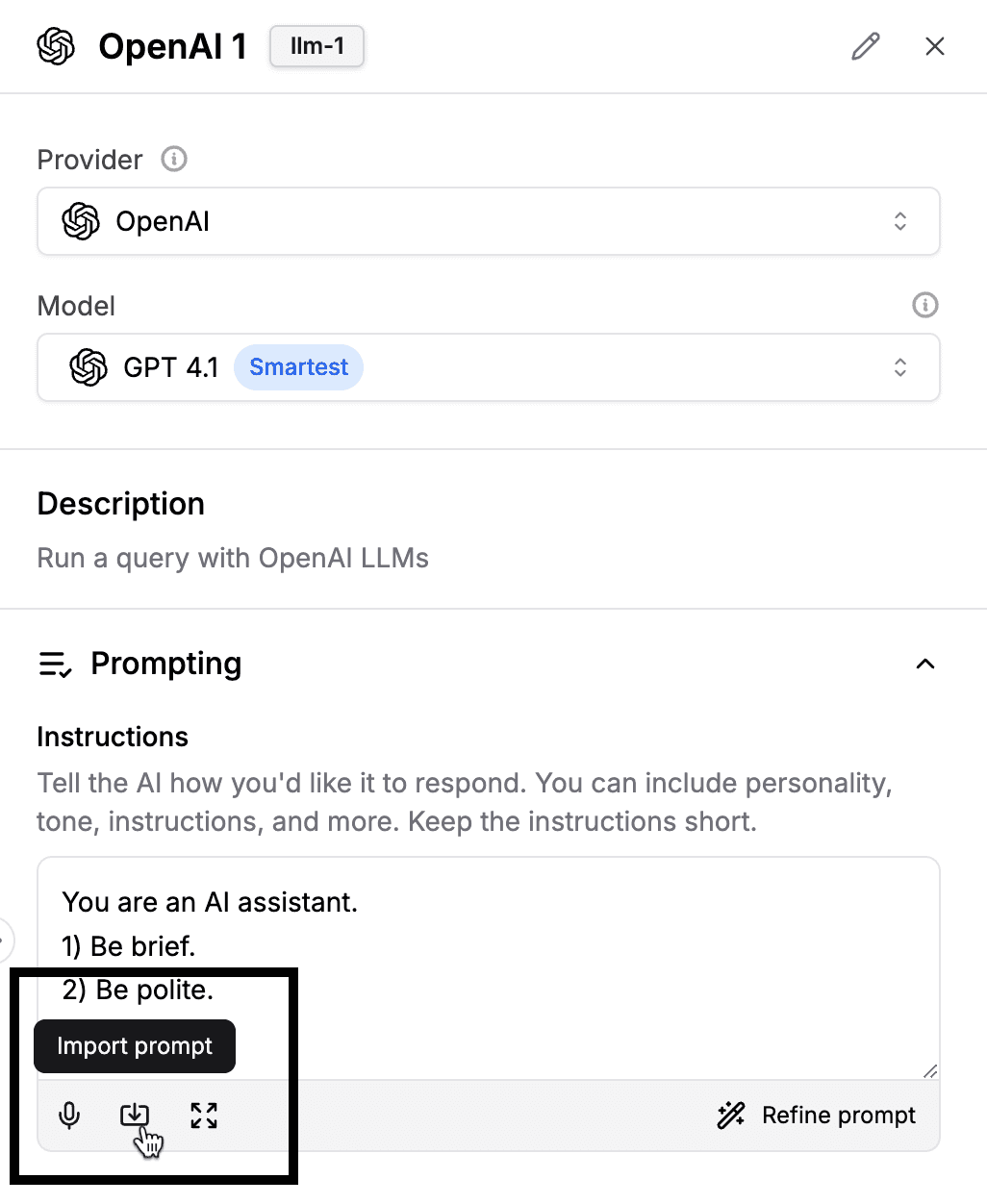
We’ve added a Prompt Library where you can store, edit, and reuse your favorite prompts.
You can easily import your favorite prompts when setting up an LLM Node
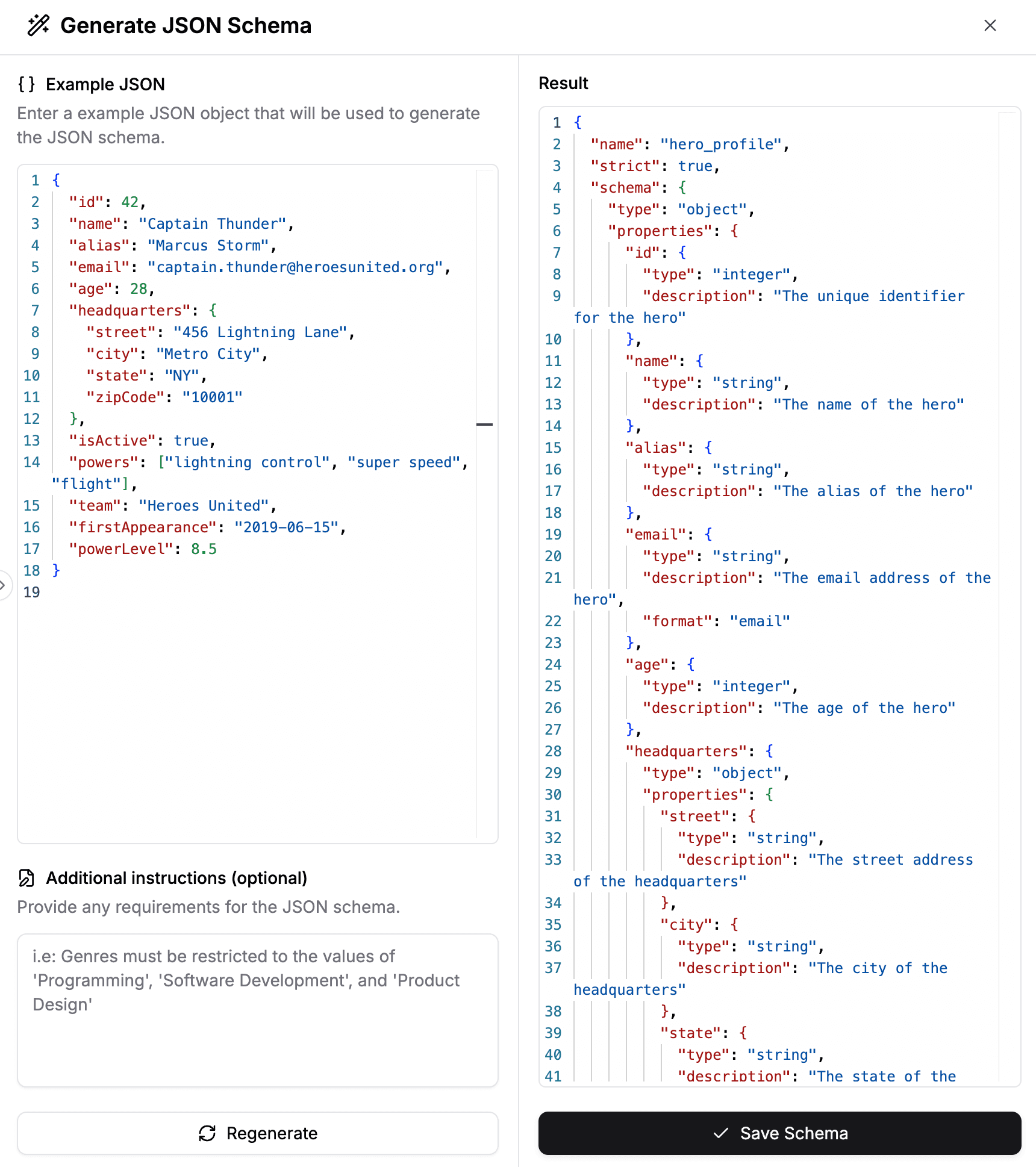
JSON Schema Generator
We’ve added a JSON Schema Generator that you can access via the LLM Node.

Enter an example JSON object and generate the JSON Schema that the LLM node will us as its response format for structured outputs
Deep Research
We’ve integrated OpenAI’s Deep Research models: o3-deep-research and o4-mini-deep-research for more complex use cases. Find, analyze, and synthesize hundreds of sources to create comprehensive reports. Currently uses with OpenAI’s web_search tool.

Nodes
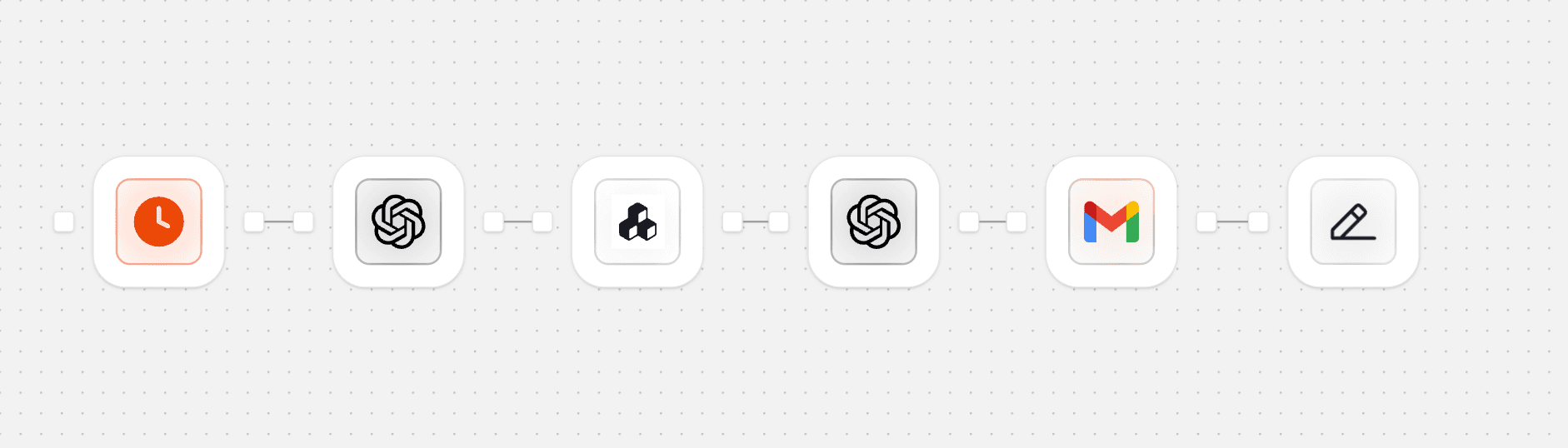
Screenshot Mode
Enable Screenshot Mode to only display the icons of the Nodes so you can have a zoomed out view of your workflow when working on its architecture.
New Node Status Badges
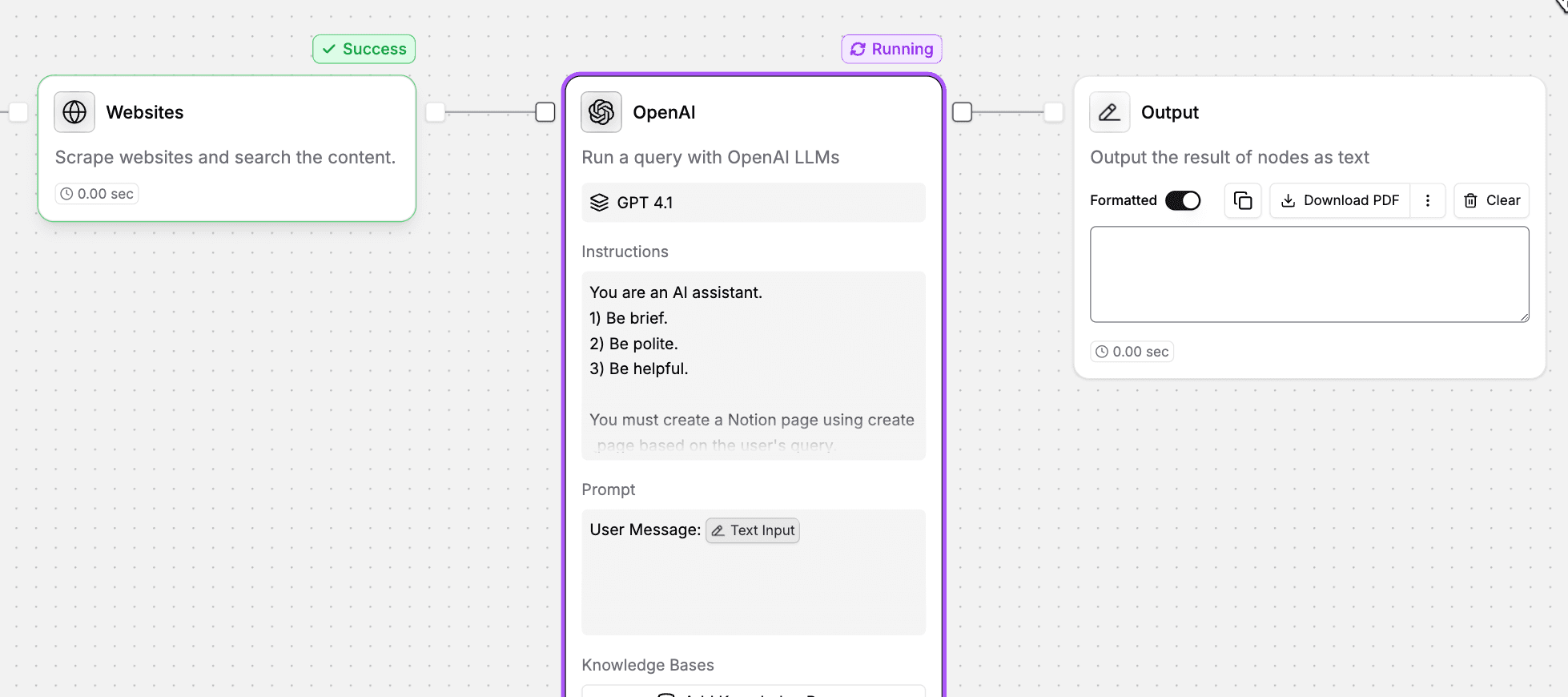
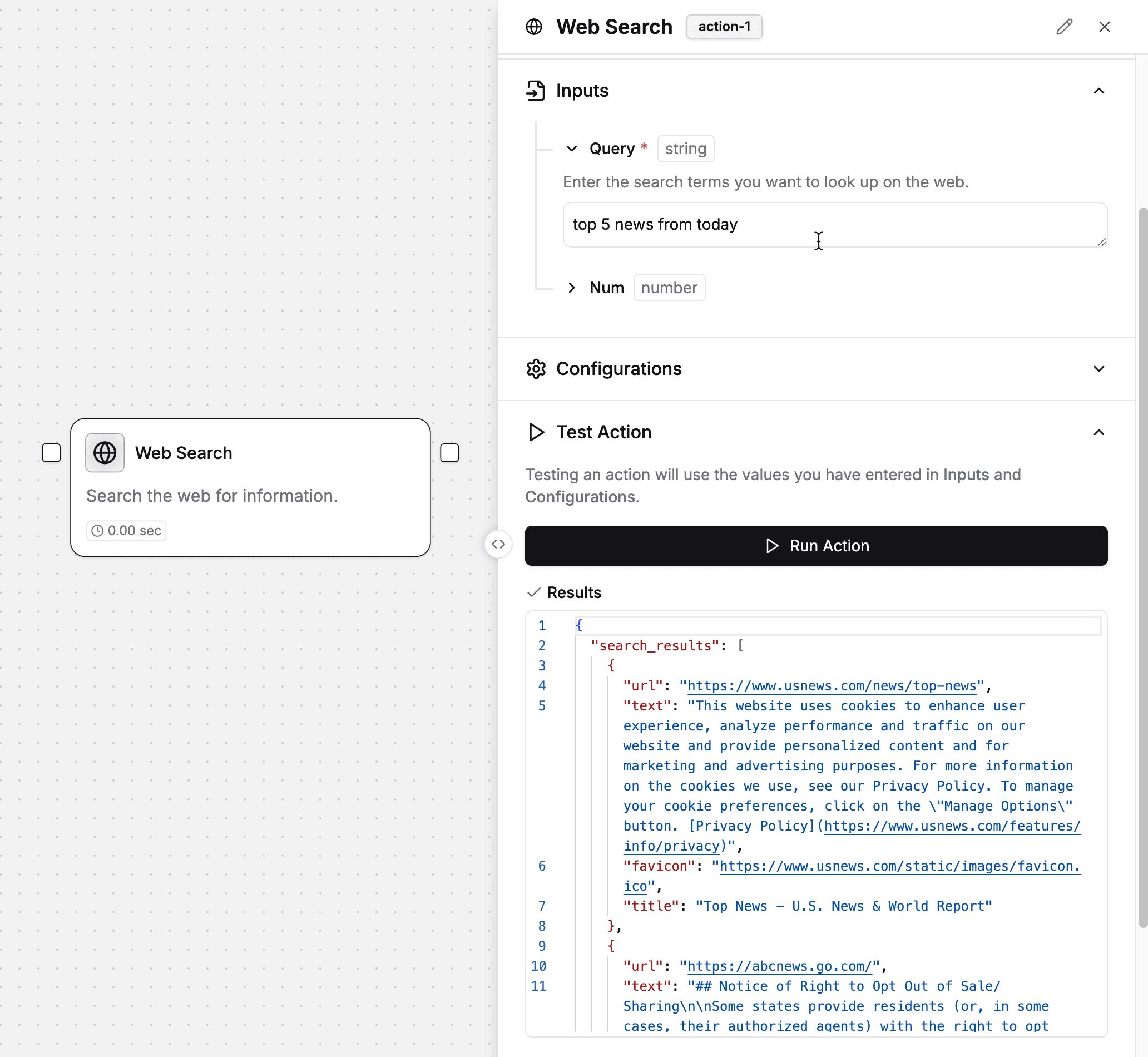
Run only one node
Run individual nodes so you test them out without having to run entire workflows.
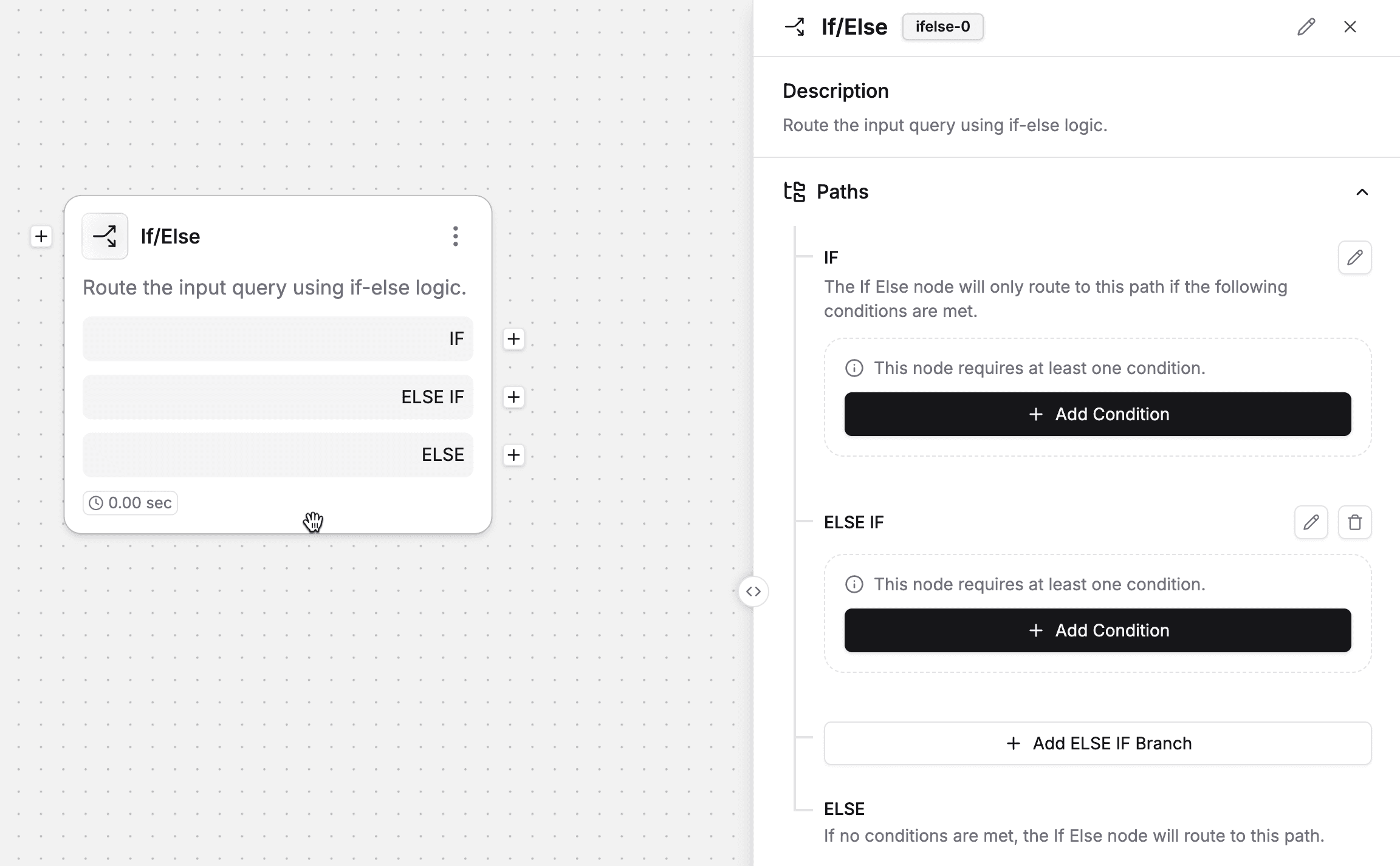
Changes in conditional logic
ELIF branches in If/Else Node
You can now define ELSE IF (aka ELIF) statements in the If/Else node for more robust conditional logic. Also, paths can be renamed to your liking.
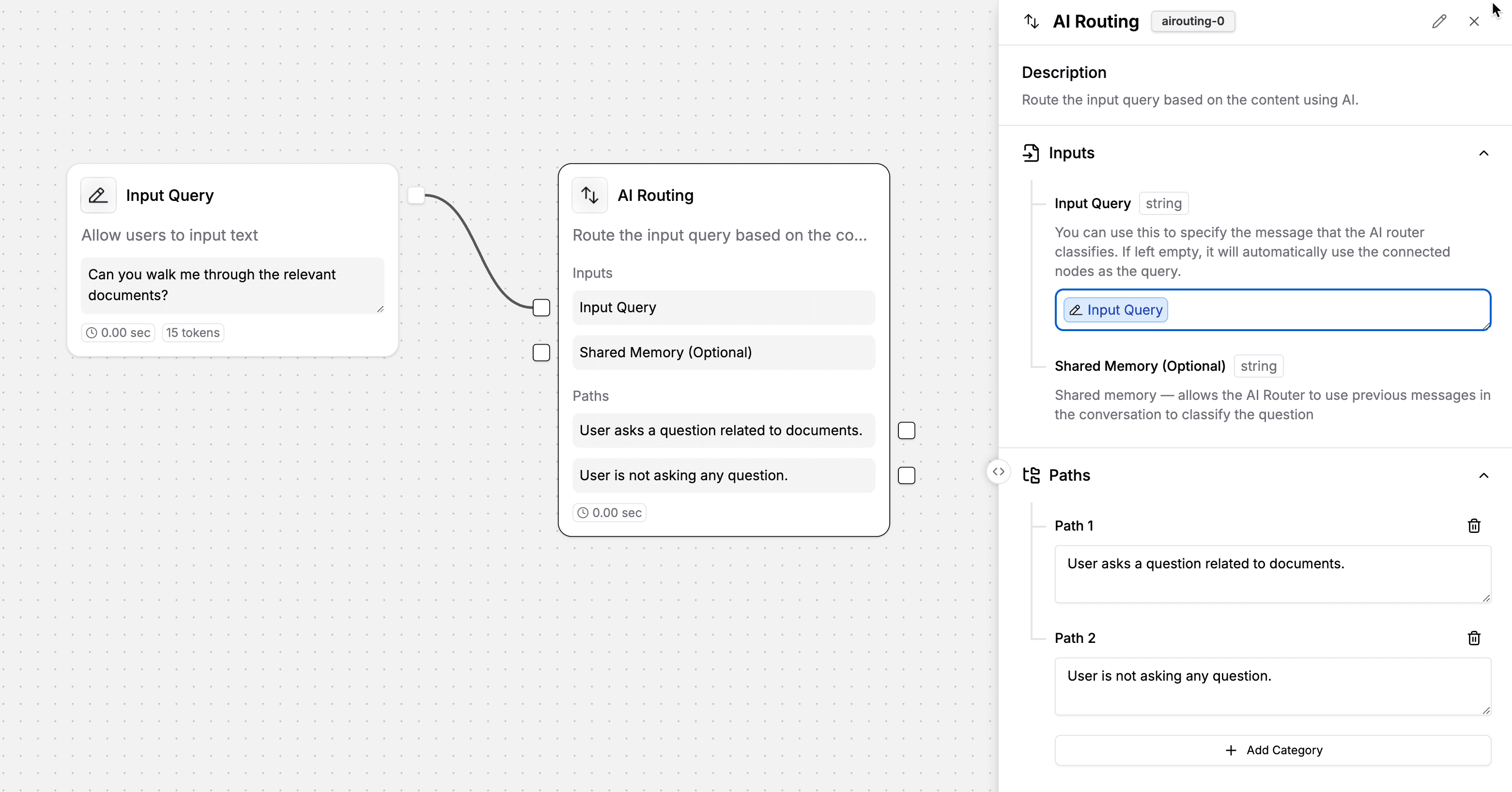
Inputs and files via AI Routing Node
You can now set the input query of the AI Routing Node so that it’s easier to work with multiple inputs being passed to it
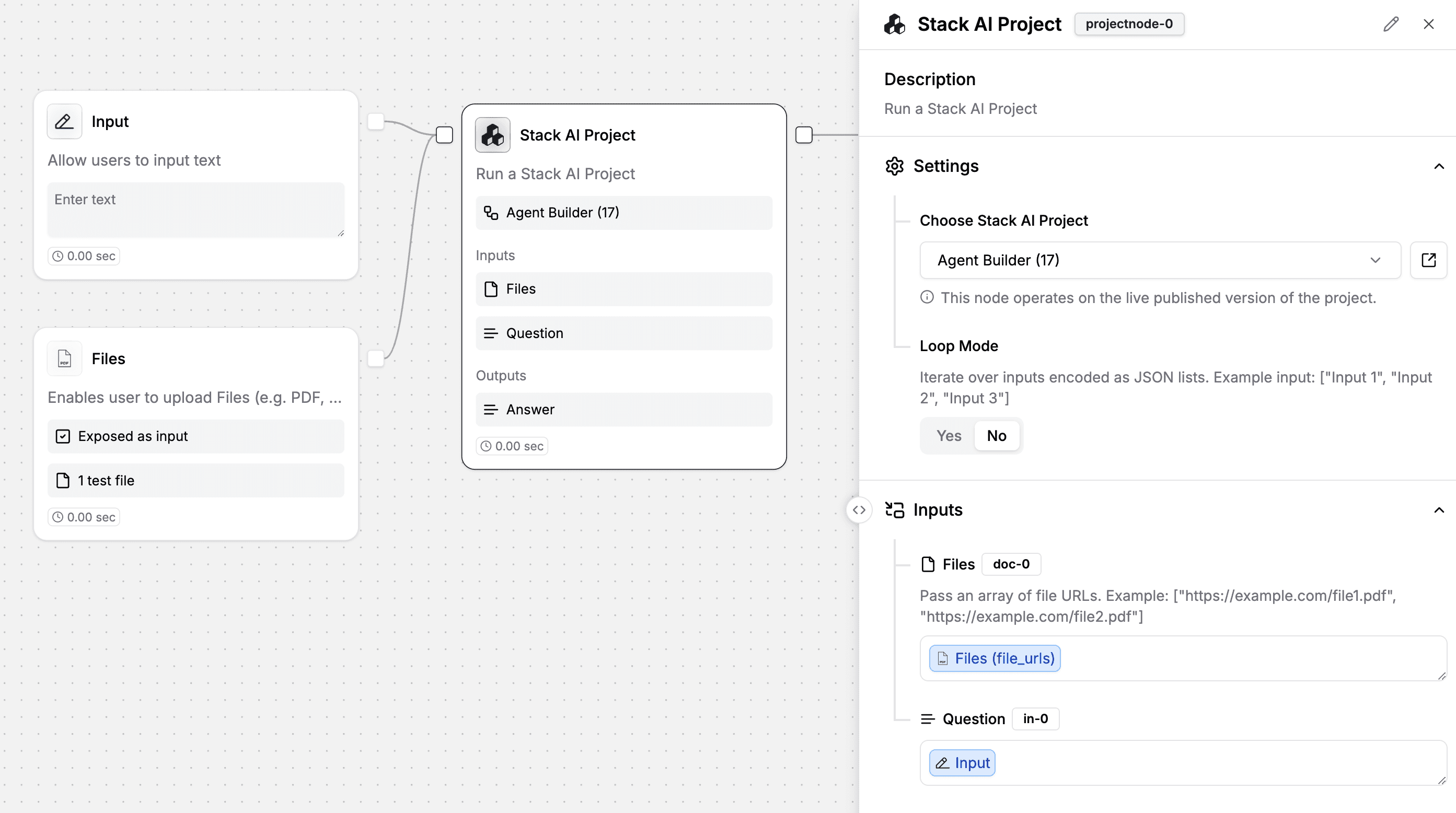
Revamped StackAI Project Node
We’ve made it so that you can pass inputs and outputs with the StackAI Project Node, and added a functionality so that you can pass a list of files as part of the input
Given the above changes to the If/Else Node and AI Routing Node, we’re now sunsetting the Combine Node.
Other features
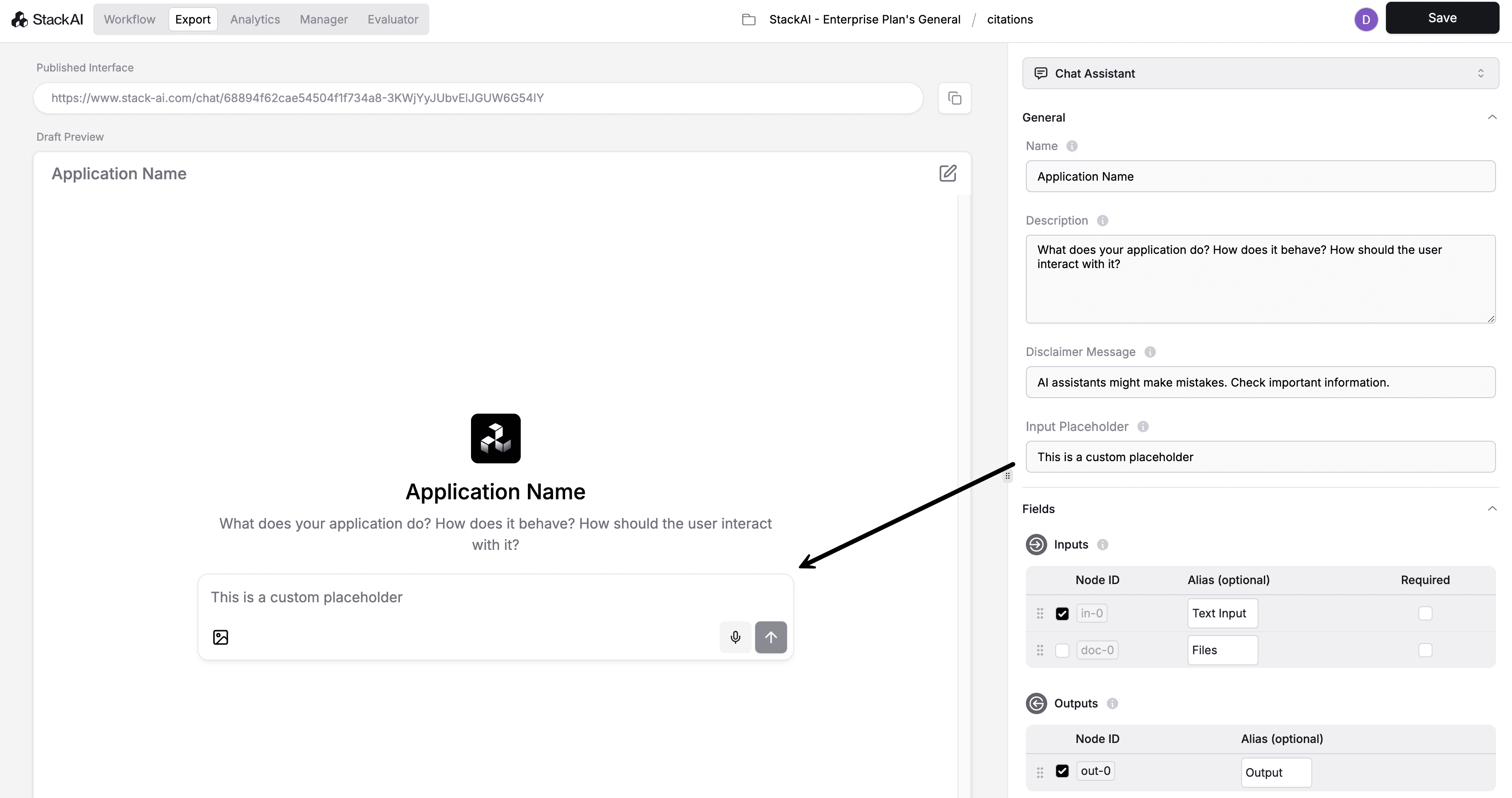
Custom placeholders
You can now customize the placeholder text in the chat input fields via the export interface sidebar.
New models
Kimi K2 (via Together AI)
Runway ML
o3 for image to text
New integrations & actions
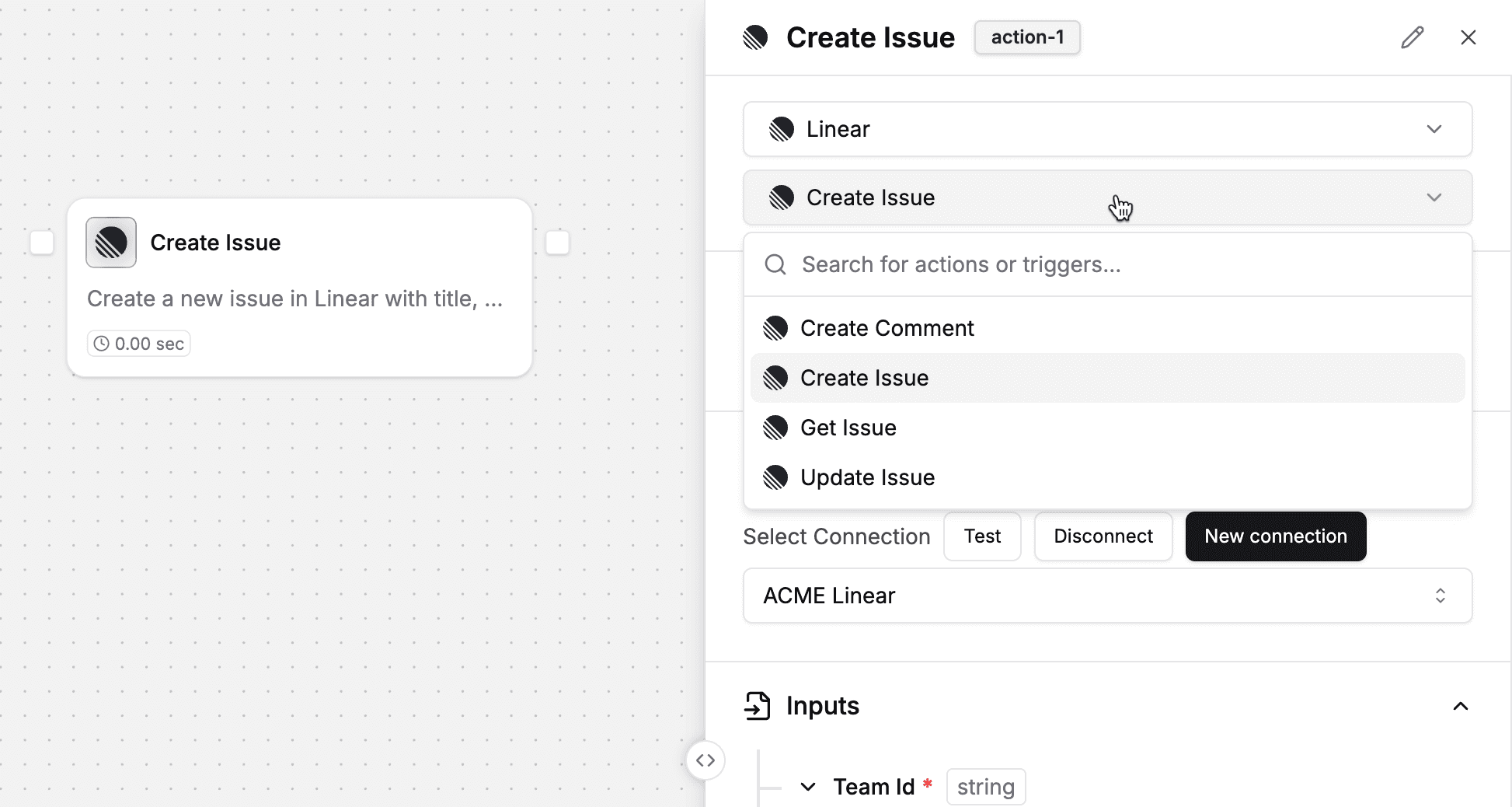
Linear via OAuth 2.0
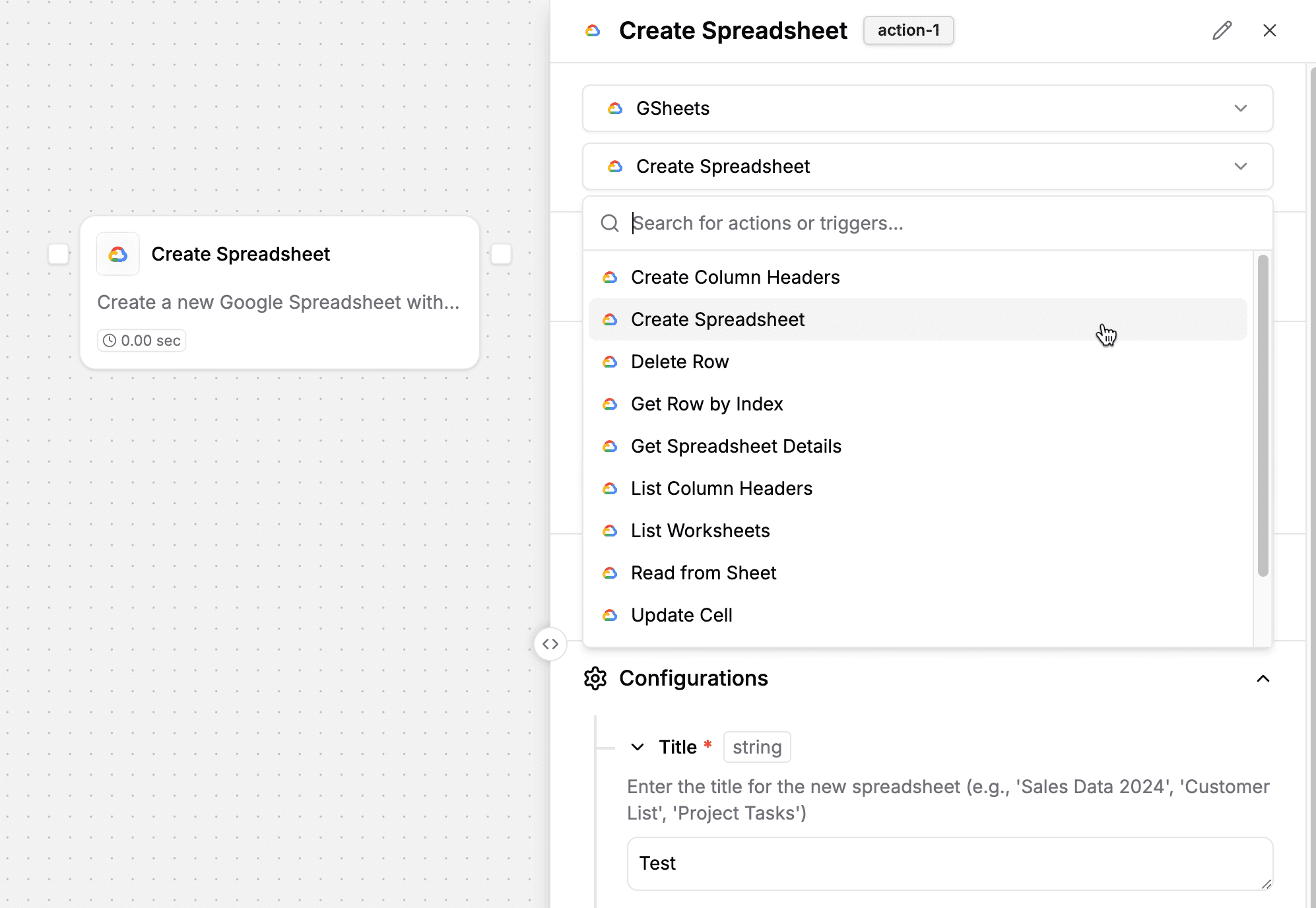
New Google Sheets actions to create, update, and delete spreadsheets
——
Stay tuned for more exciting updates from us in the next two weeks!
Make your organization smarter with AI.
Deploy custom AI Assistants, Chatbots, and Workflow Automations to make your company 10x more efficient.